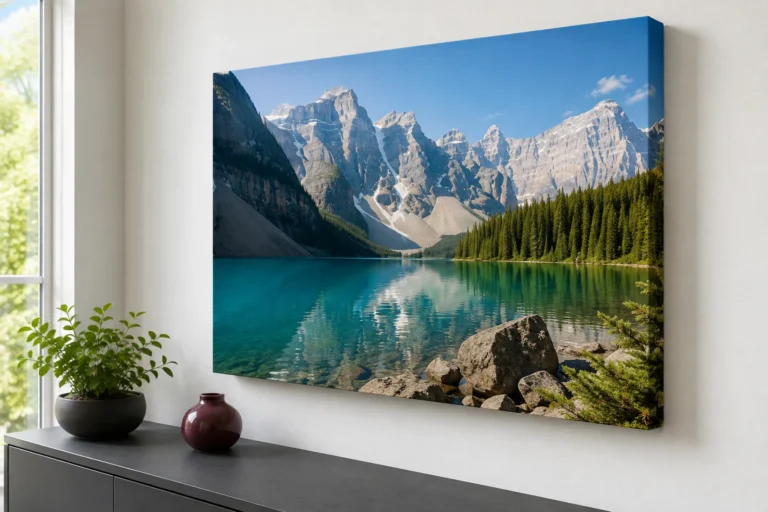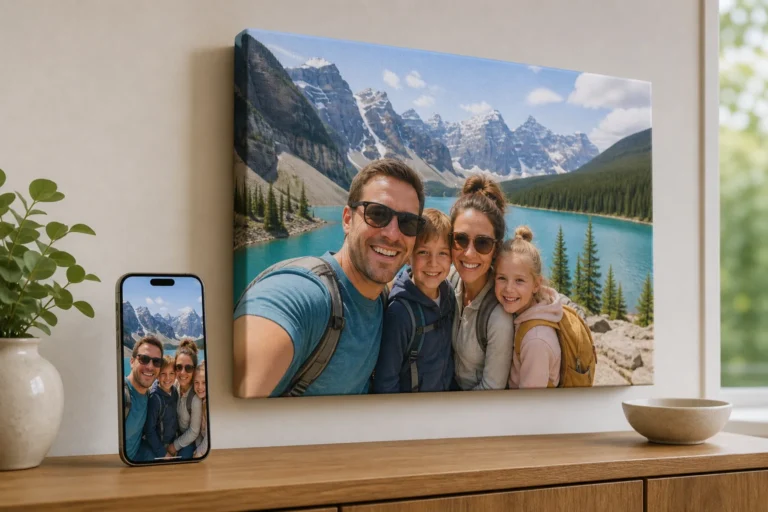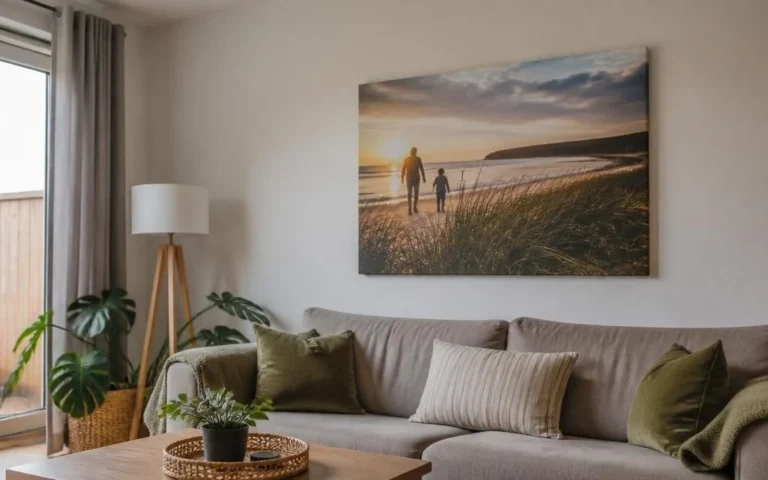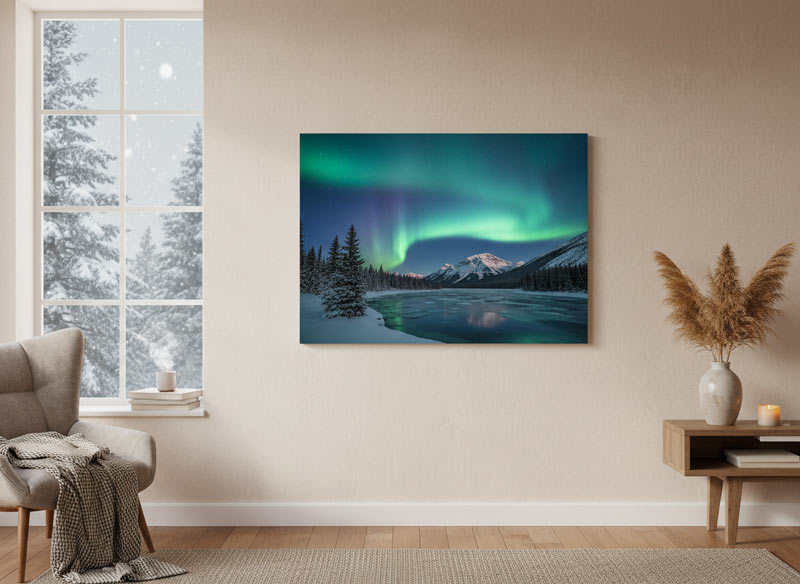
Edmonton winters are long, and a lot of our best memories happen indoors: birthdays, holidays, cozy family nights, and celebrations under warm lights. The challenge? Low-light photos often look great on a phone—but can print darker and grainier than expected.
If you want your canvas print to look clean and professional, here’s how to choose the right photo and do quick fixes before you order.
Why low-light photos can print poorly
Low-light photos often have:
- Higher noise/grain (your camera boosts sensitivity)
- Motion blur (people move, camera shakes)
- Warm color cast (yellow/orange lighting)
- Underexposure (faces too dark)
Canvas printing doesn’t “create” grain—but it can make it more visible.
Step 1: pick the best version of the photo
If you took multiple shots, choose the one with:
- Sharp eyes (zoom in to check)
- Minimal blur in hands/edges
- Even lighting on faces
Avoid photos that were:
- Sent through text multiple times
- Downloaded from social media (compression)
- Screenshots
Step 2: brighten without washing it out
In your phone editor:
- Increase exposure slightly
- Lift shadows to reveal faces
- Lower highlights if lights look blown out
Step 3: reduce the “yellow room” effect
Indoor Edmonton winter photos often go very warm.
- Cool the temperature slightly
- Reduce orange saturation a touch This keeps skin tones natural on canvas.
Step 4: sharpen gently (don’t overdo it)
A small sharpening boost can help canvas look crisp. If your editor has “structure” or “clarity,” use it lightly.
Step 5: choose a size that matches the photo quality
If the photo is slightly soft, print it smaller for a premium look. If it’s very sharp, go big—canvas looks amazing at statement size.
Best low-light moments for canvas
Some indoor moments are made for canvas:
- Holiday gatherings
- Baby/toddler milestones
- Family group photos
- Cozy “everyday” memories that deserve a place on the wall
Final thought
Edmonton winters create the kind of memories you actually want to keep close. With a few quick edits, your indoor photos can print beautifully—bright, clean, and full of life.
Helpful canvas print resources
Planning your order? Compare canvas print pricing, upload your image and order online, review our canvas print quality, or check returns, refunds, and shipping details.